Brief first
Who it is for and what they should do. Type and language sit under the brief so the page stays scannable.
Product / Video
Start with a brief. Pick type and language, add scenes, then generate clips with speech, captions, and optional music.
A short explainer or talking-to-camera clip in the same language as your posters.

Teams who already post stills and now need a 20–40 second clip for WhatsApp status or Reels.
Scene board, speakers, captions, and BGM. Library lists recent videos so you can reuse a plan.
This is not a full NLE. Trim and download here; heavy color grade still belongs in an editor.
Use cases
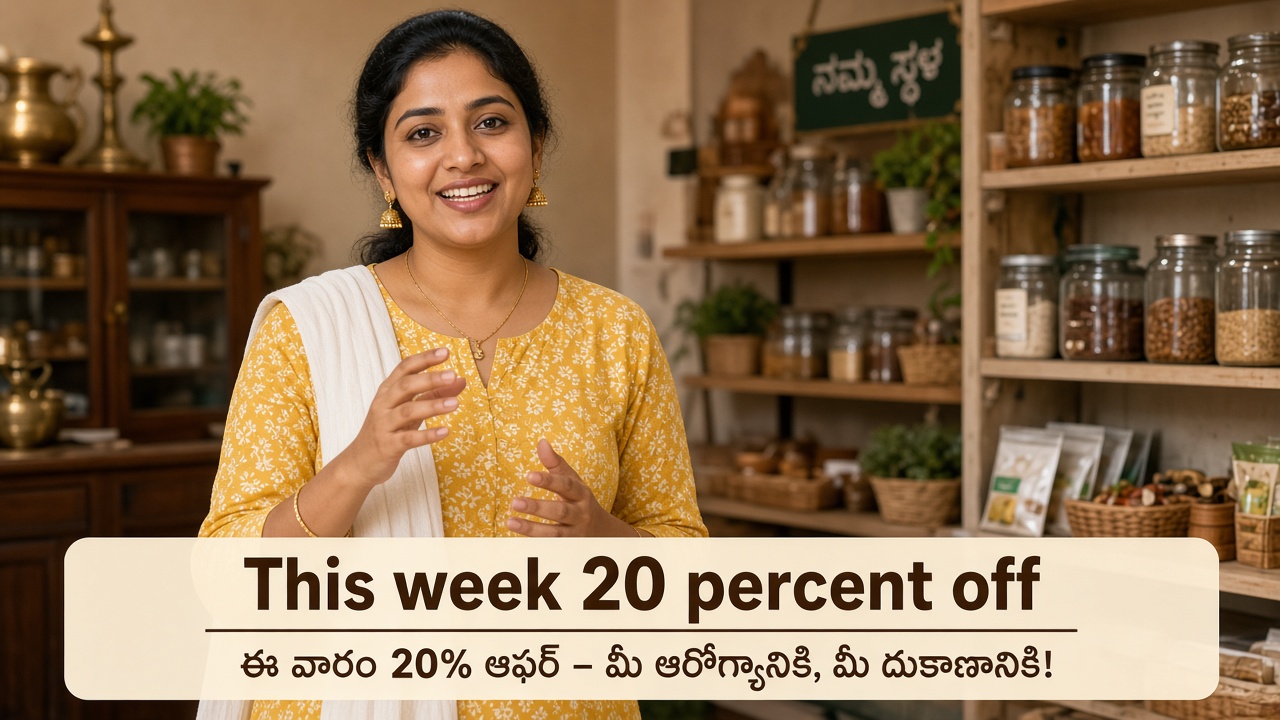
Brief: “This week 20% off on kirana staples.” Type: explainer. Language: Telugu. Two short scenes.
A captioned clip you can drop on WhatsApp status the same afternoon.
Type: UGC. One speaker. No brand kit if it should feel like a phone video.
A first-person clip that still uses your offer copy.
Open Speakers & music, name two voices, add light BGM, keep generate-all on the board.
A conversational promo without booking a studio.
How to use it
Recreated from the live product so you can follow along before you create an account. Red circles mean a count or a remove — they are not decoration.
Who it is for and what they should do. Type and language sit under the brief so the page stays scannable.
Write scenes or ask AI to plan them. Empty catalog falls back to a general product / promo template — you are never stuck on a blank type list.
Open only when you need named voices or BGM. Generate-all stays on the board even if nothing has rendered yet.
Usually next
Write what you need, pick a brand kit, and Design Graphic. Studio copies logo, colors, and style posters — then you publish.
See how it works →
Titles, thumbnails, descriptions, and comment tools next to Studio — not in a separate SEO tab you forget.
See how it works →
Cloud API numbers, approved templates, and broadcasts from the same workspace as Studio.
See how it works →