1
Create the kit, not a tax profile
Name, logo, colors, voice, handles. GSTIN does not belong here — it lives on the organization.
Brand Kits · Edit
A
Name
Angadibazzar
Product / Brand kits
Logo, colors, voice, social handles, and style posters. Studio copies from the kit you select.
Every graphic looks like the same brand — without putting GSTIN on the artwork.
Agencies with many clients, and brands with more than one location or lockup.
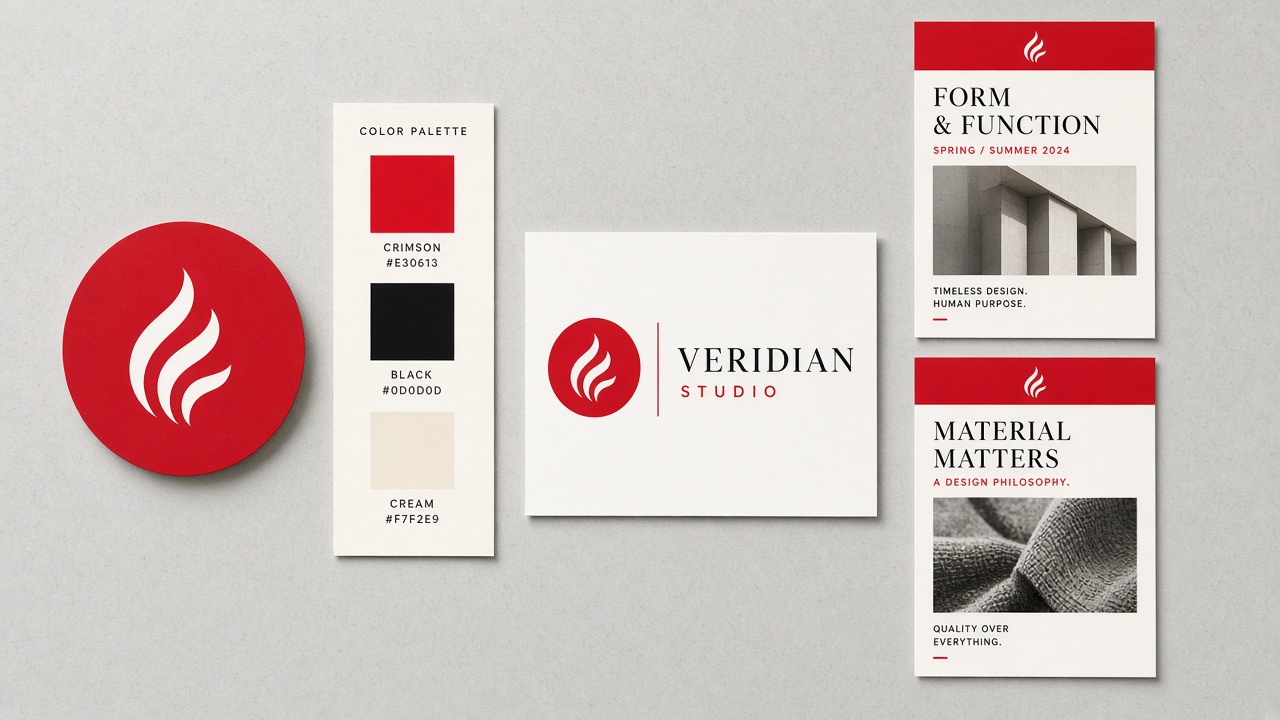
Reusable kits. Style posters teach Studio the header, footer, and spacing you already like.
Legal address and GSTIN stay on Settings → Organization. Kits are for design, not tax.
Use cases
One login, one kit per client. Switch the kit in Studio before you generate.
No more pasting the wrong logo onto Friday’s post.
A city kit with its own handle and a shared parent logo.
Gandimaisamma and the next branch stay on-brand without a new designer.
Upload last year’s print posters as style refs. Studio uses up to three, extras first.
New work follows the same grid you already printed.
How to use it
Recreated from the live product so you can follow along before you create an account. Red circles mean a count or a remove — they are not decoration.
Name, logo, colors, voice, handles. GSTIN does not belong here — it lives on the organization.
These teach header, footer, and spacing. They are not product photos. Studio will show them as a collapsed red-badge row.
Active kit is the default. Switch per job for agencies. Style refs stay attached until you turn the checkbox off.
Usually next
Write what you need, pick a brand kit, and Design Graphic. Studio copies logo, colors, and style posters — then you publish.
See how it works →
Start with a brief. Pick type and language, add scenes, then generate clips with speech, captions, and optional music.
See how it works →
UPI pages, GST invoices and quotations, QR codes, and review gating — money and paper in the same OS.
See how it works →